

Getting started with Evaluation
Opik provides two approaches to evaluation. Choose the one that fits your use case:
- Test Suites: Define assertions in natural language and let an LLM judge test them. Best for pass/fail behavioral testing.
- Datasets & Metrics: Score outputs against a dataset using quantitative metrics. Best for measuring quality across many traces.
Quick start
Test Suites
Datasets & Metrics
Test Suites let you define expected behaviors as natural-language assertions and run them against your agent. An LLM judge checks each assertion automatically.
Each run creates an experiment in the Opik dashboard for easy comparison.
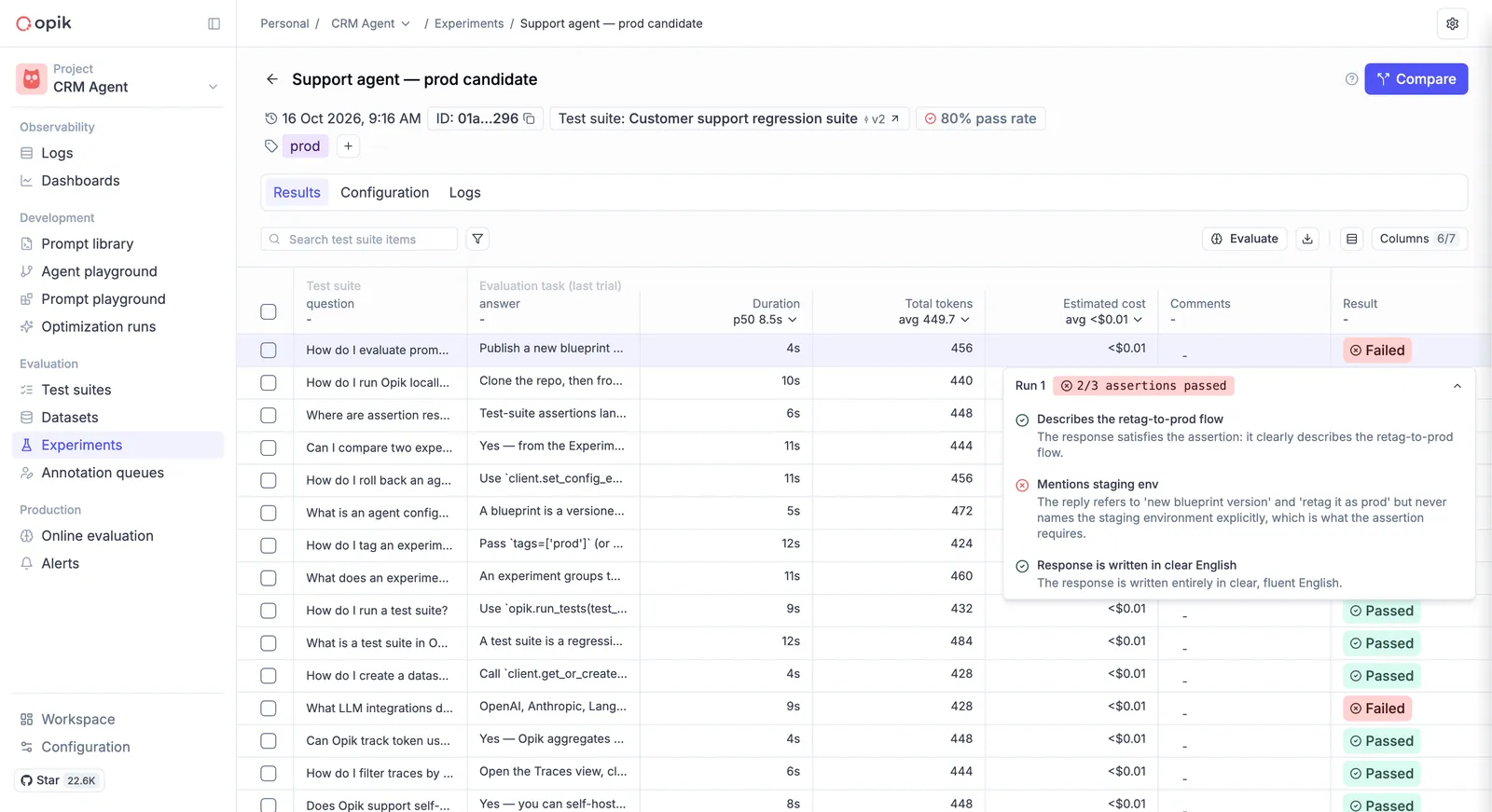
See the Building Test Suites guide for the full walkthrough.
Recommended if you build with an AI coding assistant. Either approach can be run by your
assistant rather than by you. One command — opik configure — installs both the
MCP server and the Opik skills, and evaluation becomes part of its development
loop: it changes the code, runs the suite or the evaluation, reads the scores, and iterates.
An example prompt:
“Set up an Opik evaluation for this agent, then improve the agent and re-run the evaluation after each change, showing me the scores each time.”