

Home
Opik is an open-source platform that helps you understand what your LLM application is doing, measure how well it’s working, and systematically make it better. Whether you’re building a chatbot, a RAG pipeline, or a multi-step agent, Opik gives you the tools to go from “it works on my laptop” to “it works reliably in production.”
End-to-End AI Engineering
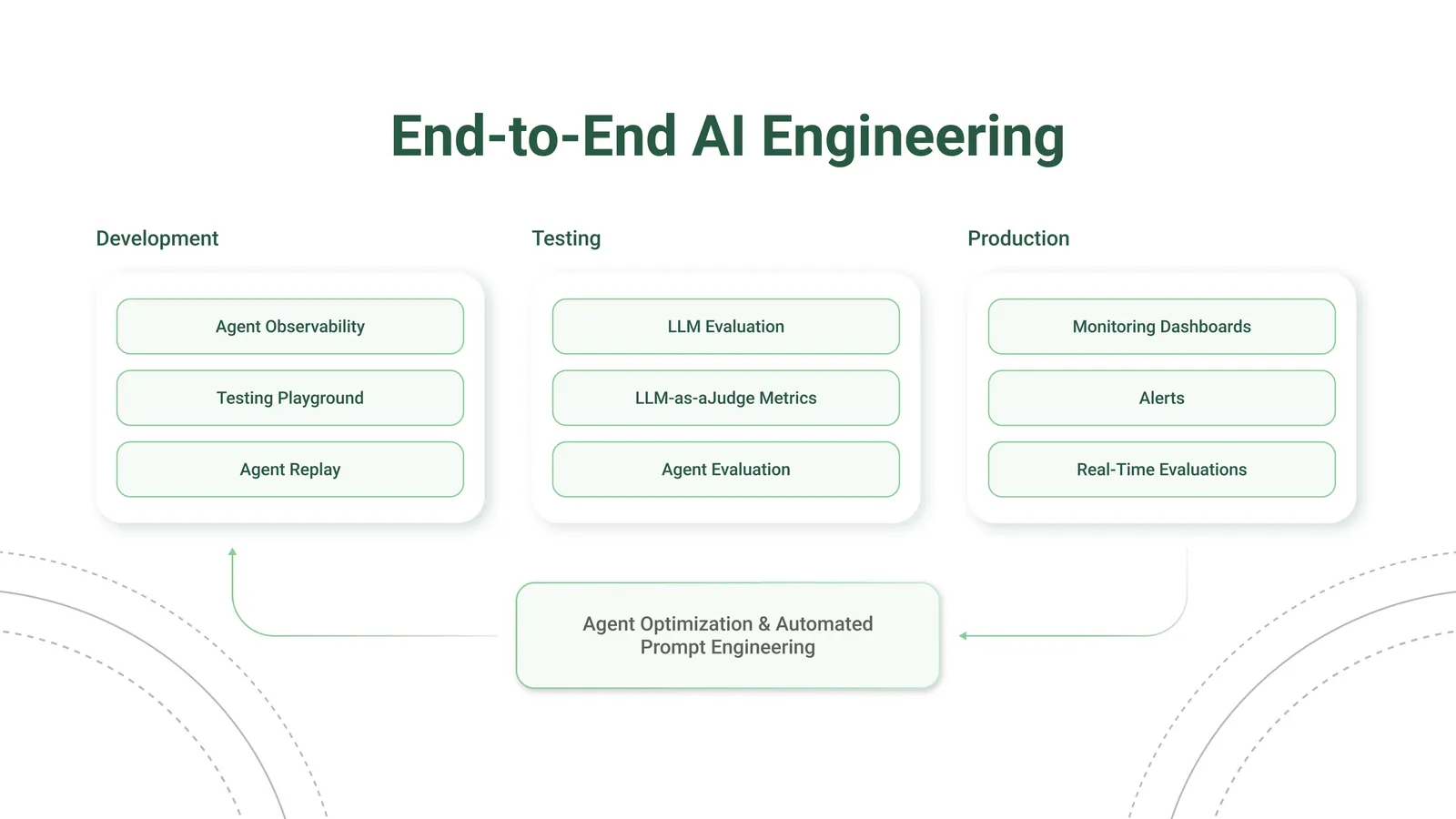
How to use Opik
Using Claude Code, Cursor, VS Code Copilot, Codex, or opencode? Install the Opik MCP server and drive your entire workspace from chat — read traces, score outputs, save prompts, and run experiments without opening the UI.
See what your application is doing
Opik records every LLM call, tool invocation, and agent step so you can inspect the full chain of events that led to any output. Add a few lines of code and you’ll have a complete log of every request and response.
Build test suites from your traces
When you spot a trace that looks wrong, turn it into a test case. Use Ollie to do this automatically (just describe what went wrong), or add test cases through the UI or SDK. Then run your test suite with Ollie or from the SDK to verify your fixes.
Over time, your test suite grows from real production failures, not hypothetical examples.
Track quality in production
Set up online evaluation rules that automatically score incoming traces, and monitor feedback scores, latency, cost, and error rates from the project dashboard.
Explore by feature
See it in action
Open-source access meets enterprise performance
All Opik versions (cloud, open source, and enterprise) include the full AI engineering feature set and run on the Comet platform, with proven performance at scale supporting many of the world’s largest organizations.