Observability for Groq with Opik
Groq is Fast AI Inference.
Account Setup
Comet provides a hosted version of the Opik platform, simply create an account and grab your API Key.
You can also run the Opik platform locally, see the installation guide for more information.
Getting Started
Installation
To start tracking your Groq LLM calls, you can use our LiteLLM integration. You’ll need to have both the opik and litellm packages installed. You can install them using pip:
Configuring Opik
Configure the Opik Python SDK for your deployment type. See the Python SDK Configuration guide for detailed instructions on:
- CLI configuration:
opik configure - Code configuration:
opik.configure() - Self-hosted vs Cloud vs Enterprise setup
- Configuration files and environment variables
If you’re unable to use our LiteLLM integration with Groq, please open an issue
Configuring Groq
In order to configure Groq, you will need to have your Groq API Key. You can create and manage your Groq API Keys on this page.
You can set it as an environment variable:
Or set it programmatically:
Logging LLM calls
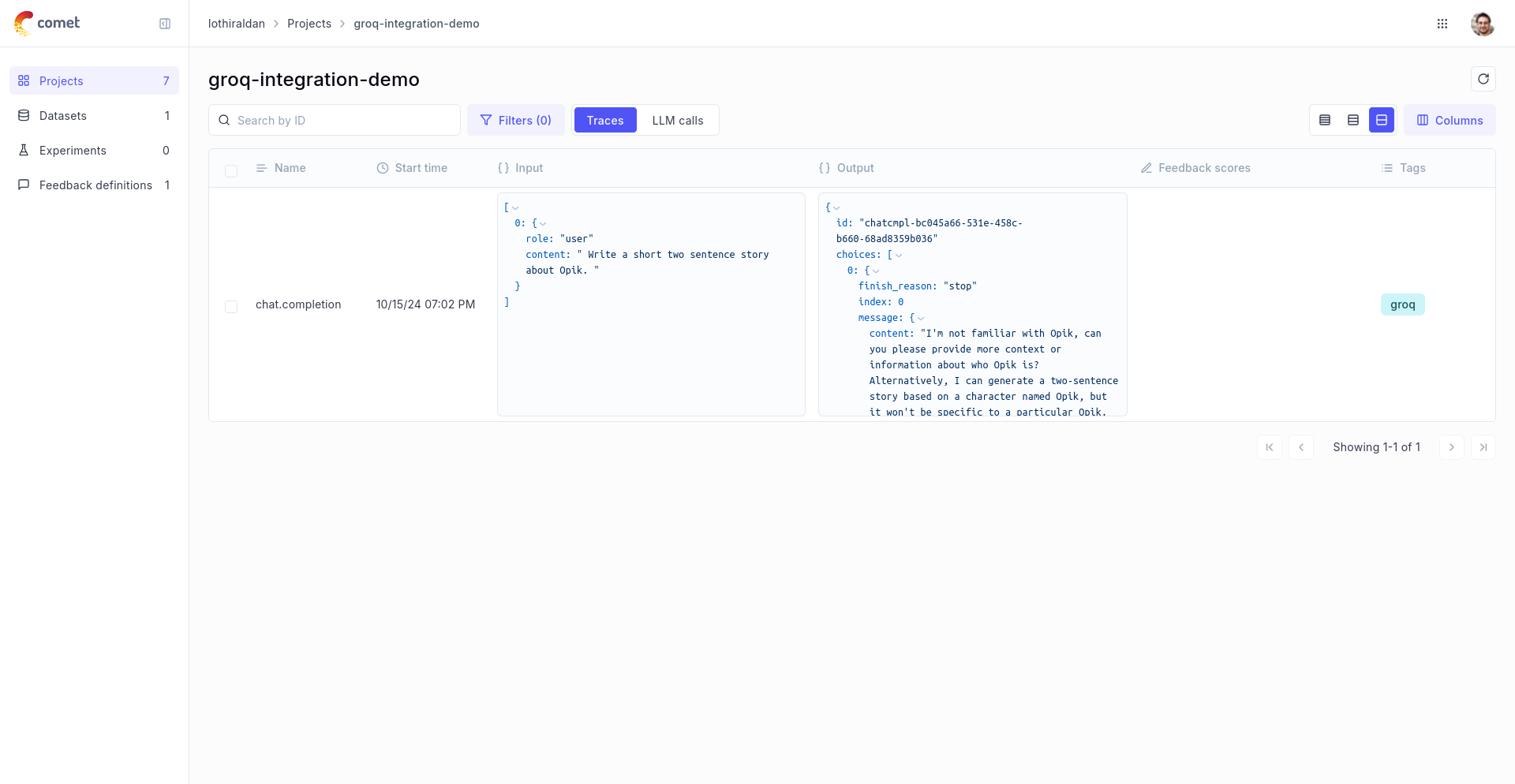
In order to log the LLM calls to Opik, you will need to create the OpikLogger callback. Once the OpikLogger callback is created and added to LiteLLM, you can make calls to LiteLLM as you normally would:
Advanced Usage
Using with the @track decorator
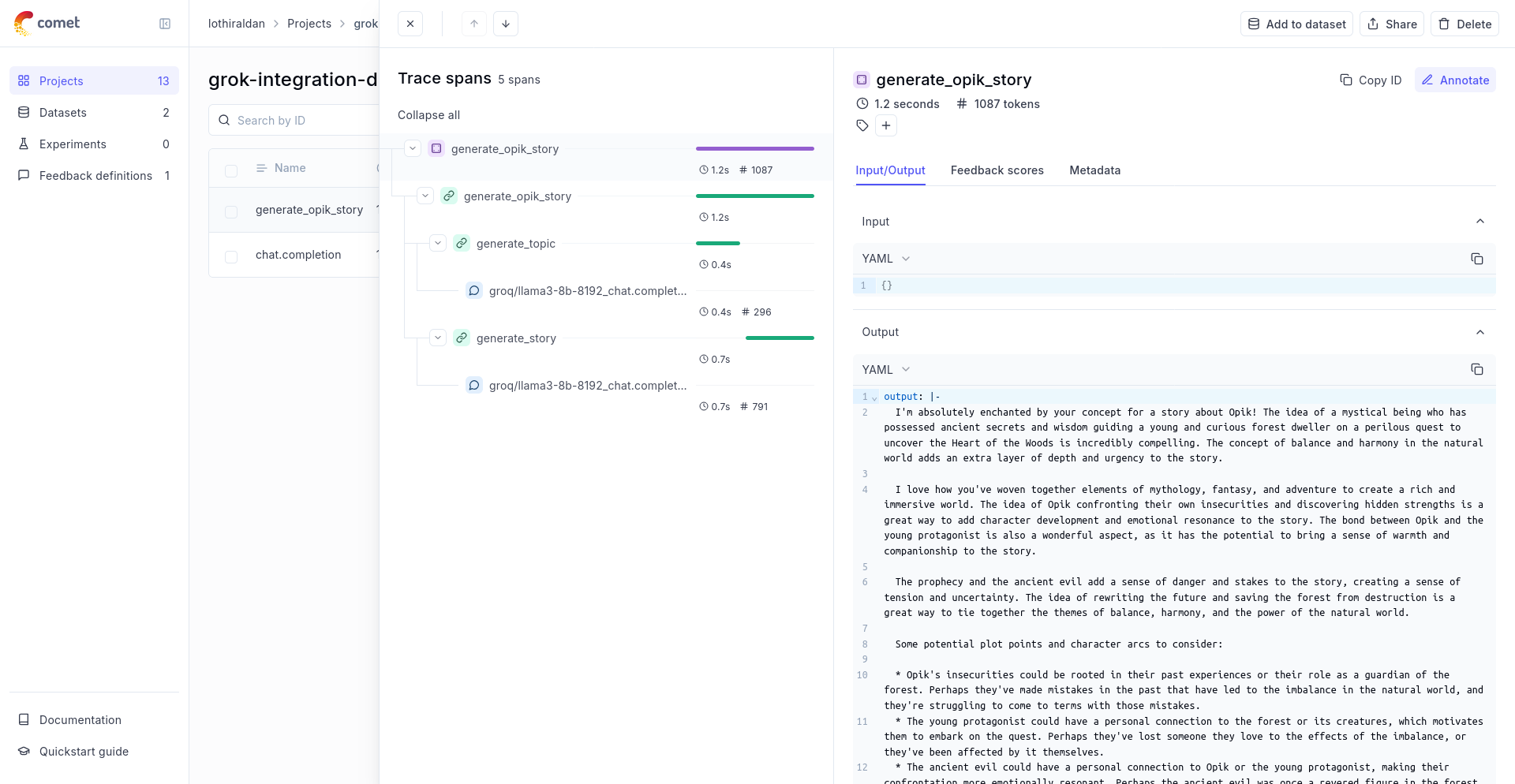
If you are using LiteLLM within a function tracked with the @track decorator, you will need to pass the current_span_data as metadata to the litellm.completion call: