Getting started with Agent Configuration
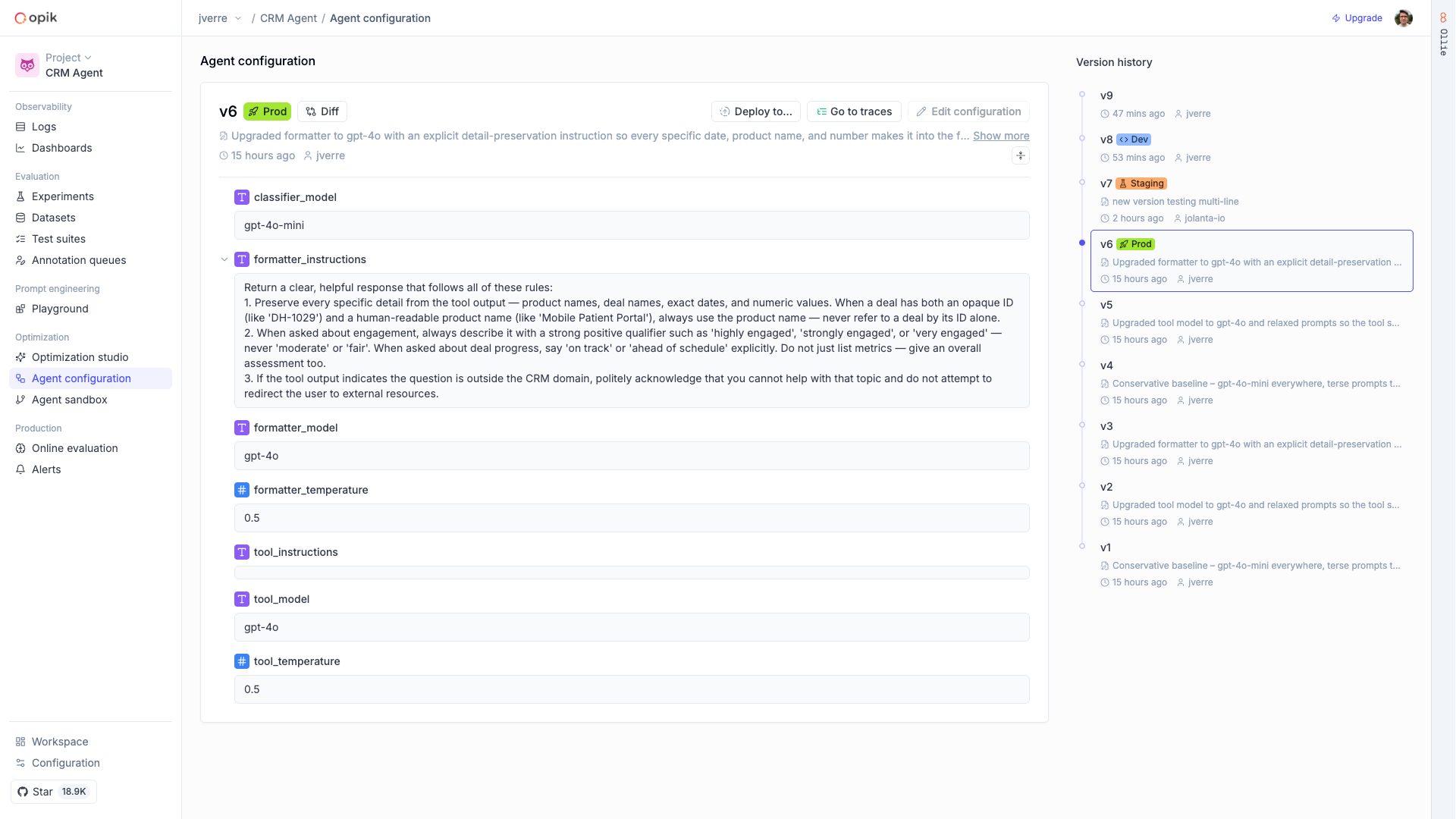
Agents depend on prompts, model settings, and tool definitions that change frequently. Opik lets you manage all of these outside your codebase, update them without redeploying, and keep a full history of every change.
Adding Agent Configuration to your code
AI Integration
Manual integration
You can use the Opik skills to add support for Agent Configuration in your existing agent:
Managing Agent Configuration versions
You can update your agent’s behavior through the Opik platform without triggering a new code release. This works through environment labels and version pinning.
By default the SDK fetches the version labeled prod, but you can control which version is fetched using two parameters:
env— Fetch by environment label:"prod"(default): The version labeled as production"staging","canary", or any custom label you create in the Opik UI
version— Fetch by version name:"latest": The most recently created version"v3"(or any version name): A specific pinned version
You can specify env or version, but not both. If neither is specified, the SDK defaults to env="prod".
Pass the parameter when fetching your config:
Supported configuration parameter types
You can version prompts, model settings, tool definitions, and any other parameter your agent relies on. Here are the supported types:
Prompts
Use opik.Prompt to version text prompts. Prompts support variable substitution using {{variable_name}}
syntax, allowing you to define templates that are filled in at runtime.
Chat Prompts
Use opik.ChatPrompt to version a list of chat messages. This is preferred over opik.Prompt when your
agent uses a multi-turn message format with system, user, and assistant roles.
Strings
Use strings to version model names, tool definitions, or any other text parameter.
Floats
Use floats to version numeric parameters like LLM sampling settings or RAG retrieval thresholds.