

Observability for Smolagents with Opik
Smolagents is a framework from HuggingFace that allows you to create AI agents with various capabilities.
The framework provides a simple way to build agents that can perform tasks like coding, searching the web, and more with built-in support for multiple tools and LLM providers.
Account Setup
Comet provides a hosted version of the Opik platform, simply create an account and grab your API Key.
You can also run the Opik platform locally, see the installation guide for more information.
Getting Started
Installation
To use the Smolagents integration with Opik, you will need to have Smolagents and the required OpenTelemetry packages installed:
Configuring Smolagents
In order to use Smolagents, you will need to configure your LLM provider API keys. For this example, we’ll use OpenAI. You can find or create your API keys in these pages:
You can set them as environment variables:
Or set them programmatically:
Configuring OpenTelemetry
You will need to set the following environment variables to configure OpenTelemetry to send data to Opik:
Opik Cloud
Enterprise deployment
Self-hosted instance
If you are using Opik Cloud, you will need to set the following environment variables:
To log the traces to a specific project, you can add the
projectName parameter to the OTEL_EXPORTER_OTLP_HEADERS
environment variable:
You can also update the Comet-Workspace parameter to a different
value if you would like to log the data to a different workspace.
Using Opik with Smolagents
To track your Smolagents applications, you will need to configure OpenTelemetry to instrument the framework:
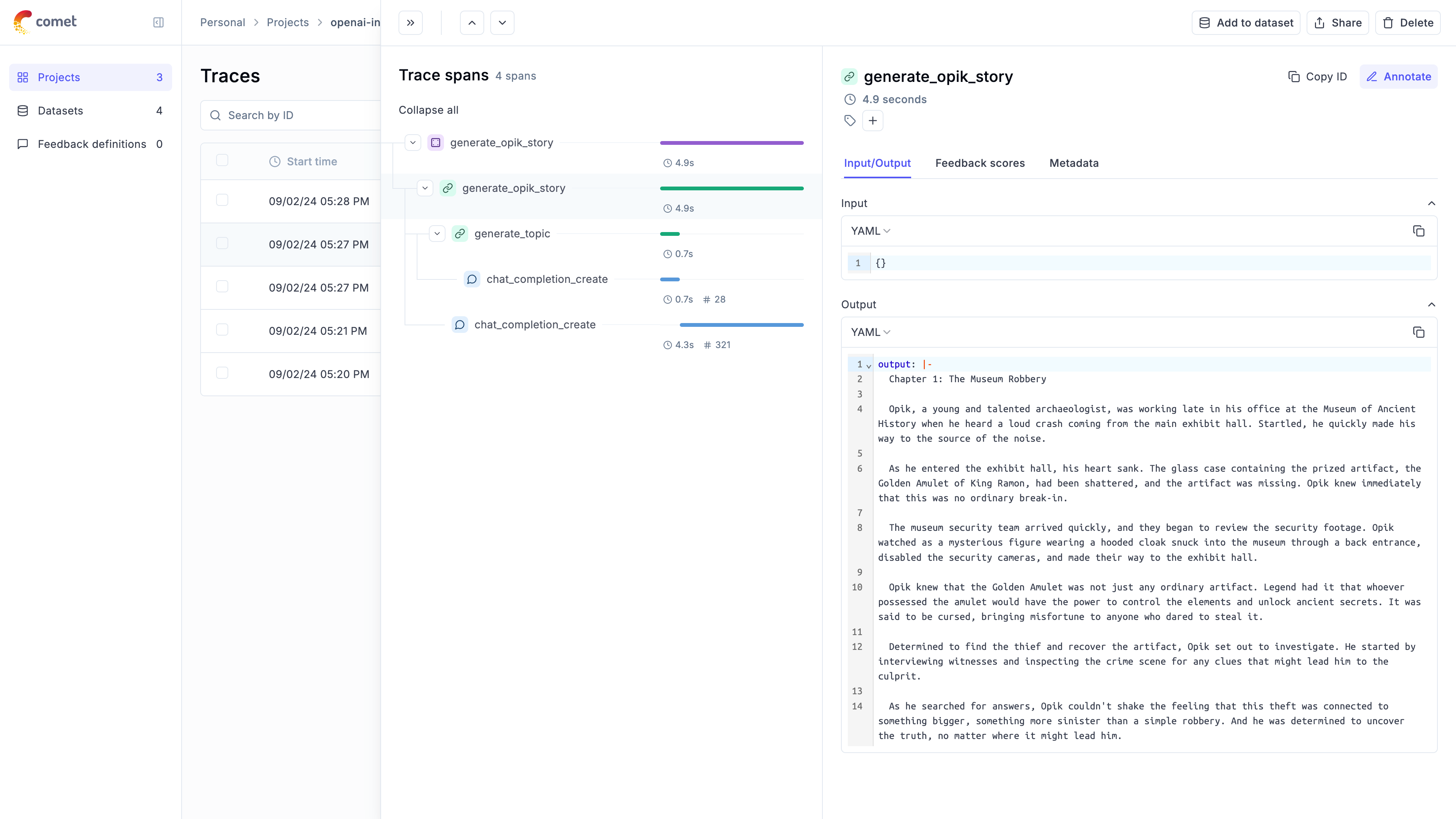
Further improvements
If you would like to see us improve this integration, simply open a new feature request on Github.