

Observability for Agno with Opik
Agno is a lightweight, high-performance library for building AI agents.
Agno’s primary advantage is its minimal overhead and efficient execution, making it ideal for production environments where performance is critical while maintaining simplicity in agent development.
Getting started
To use the Agno integration with Opik, you will need to have the following packages installed:
In addition, you will need to set the following environment variables to configure the OpenTelemetry integration:
Opik Cloud
Enterprise deployment
Self-hosted instance
If you are using Opik Cloud, you will need to set the following environment variables:
To log the traces to a specific project, you can add the
projectName parameter to the OTEL_EXPORTER_OTLP_HEADERS
environment variable:
You can also update the Comet-Workspace parameter to a different
value if you would like to log the data to a different workspace.
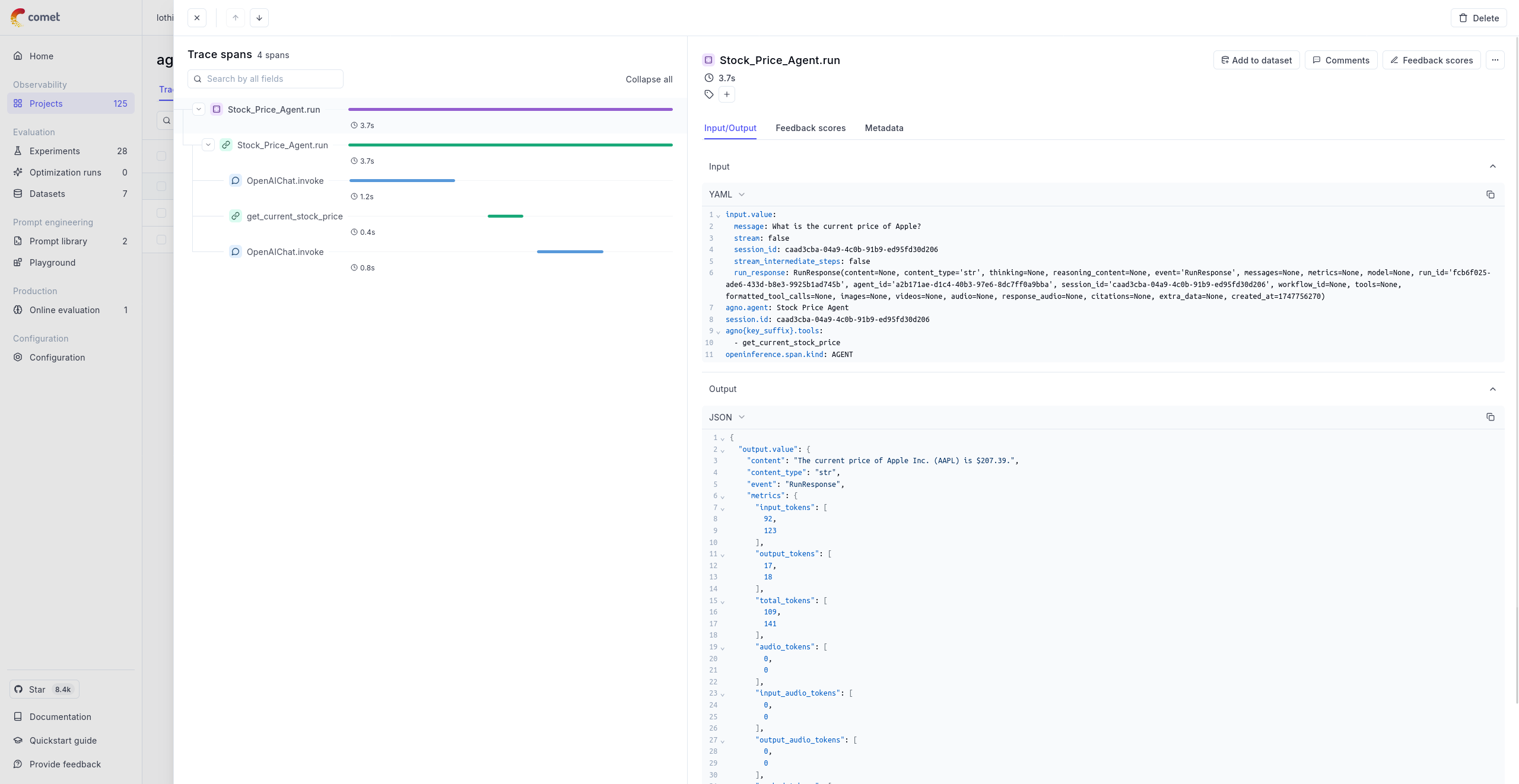
Using Opik with Agno
The example below shows how to use the Agno integration with Opik:
Further improvements
If you would like to see us improve this integration, simply open a new feature request on Github.