

Observability for Fireworks AI with Opik
Fireworks AI provides fast inference for popular open-source models, offering high-performance API access to models like Llama, Mistral, and Qwen with optimized inference infrastructure.
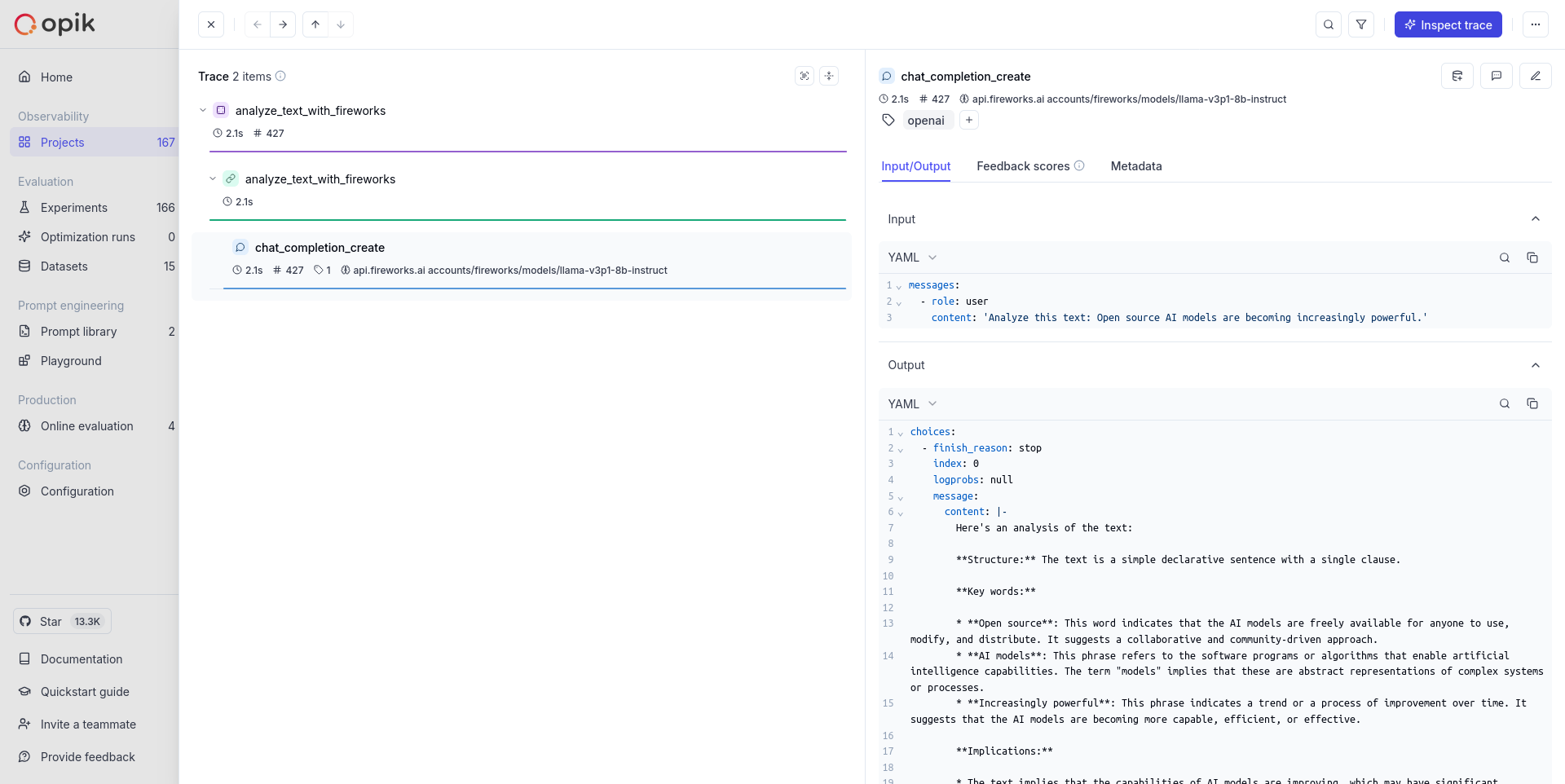
This guide explains how to integrate Opik with Fireworks AI using their OpenAI-compatible API endpoints. By using the Opik OpenAI integration, you can easily track and evaluate your Fireworks AI API calls within your Opik projects as Opik will automatically log the input prompt, model used, token usage, and response generated.
Getting Started
Account Setup
First, you’ll need a Comet.com account to use Opik. If you don’t have one, you can sign up for free.
Installation
Install the required packages:
Configuration
Configure Opik to send traces to your Comet project:
Environment Setup
Set your Fireworks AI API key as an environment variable:
You can obtain a Fireworks AI API key from the Fireworks AI dashboard.
Basic Usage
Import and Setup
Making API Calls
Advanced Usage
Using with @track Decorator
You can combine the tracked client with Opik’s @track decorator for more comprehensive tracing:
Streaming Responses
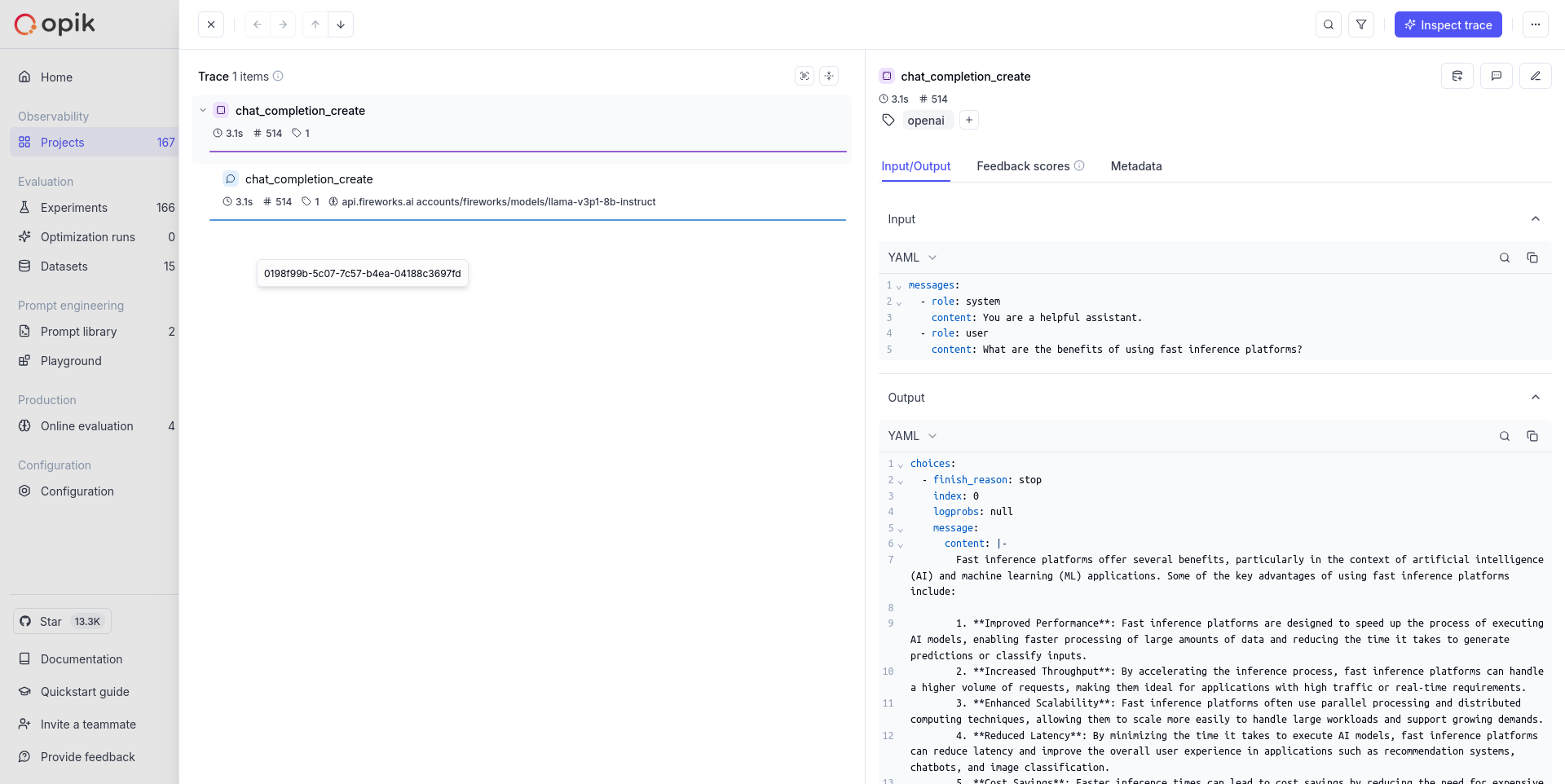
Fireworks AI supports streaming responses, which are also tracked by Opik:
Supported Models
Fireworks AI provides fast inference for a wide range of popular open-source models. Some of the popular models available include:
- Llama Models:
accounts/fireworks/models/llama-v3p1-8b-instruct,accounts/fireworks/models/llama-v3-70b-instruct - Mistral Models:
accounts/fireworks/models/mixtral-8x7b-instruct-hf,accounts/fireworks/models/mistral-7b-instruct-v0.1 - Qwen Models:
accounts/fireworks/models/qwen-72b-chat,accounts/fireworks/models/qwen-14b-chat - Code Models:
accounts/fireworks/models/starcoder-16b,accounts/fireworks/models/codellama-34b-instruct-hf
For the complete list of available models, visit the Fireworks AI model catalog.
Results Viewing
Once your Fireworks AI calls are logged with Opik, you can view detailed traces in your Opik dashboard. Each API call will create a trace that includes:
- Input prompts and messages
- Model parameters and configuration
- Response content and metadata
- Token usage statistics
- Timing information
- Any custom metadata you’ve added
Troubleshooting
Common Issues
API Key Issues: Ensure your FIREWORKS_API_KEY environment variable is set correctly and has sufficient credits.
Model Name Format: Fireworks AI models use the format accounts/fireworks/models/{model-name}. Make sure you’re using the correct model identifier.
Rate Limiting: Fireworks AI has rate limits based on your plan. If you encounter rate limiting, consider implementing exponential backoff in your application.
Base URL: The base URL for Fireworks AI is https://api.fireworks.ai/inference/v1. Ensure you’re using the correct endpoint.
Getting Help
If you encounter issues with the integration:
- Check your API key and model names
- Verify your Opik configuration
- Check the Fireworks AI documentation
- Review the Opik OpenAI integration documentation
Environment Variables
Make sure to set the following environment variables: