

Observability for Kong AI Gateway with Opik
Kong is a popular open-source API gateway that has an AI Gateway.
Gateway Overview
Kong AI Gateway provides enterprise-grade features for managing LLM API access, including:
- Authentication mechanisms: Secure access control for your LLM endpoints
- Load balancing: Distribute traffic across multiple LLM providers
- Caching: Reduce costs and improve response times
- Rate limiting: Control API usage and prevent abuse
- Advanced monitoring: Track usage, performance, and costs
You can learn more about the Kong AI Gateway here.
Account Setup
Comet provides a hosted version of the Opik platform. Simply create an account and grab your API Key.
You can also run the Opik platform locally, see the installation guide for more information.
Getting Started
Installing the Opik Kong Plugin
We have developed a Kong plugin that allows you to log all the LLM calls from your Kong server to the Opik platform. The plugin is available for enterprise customers. Please contact our support team for access.
Configuring the Opik Kong Plugin
Once the plugin is installed, you can enable it by running:
Configuration Parameters
The Opik Kong plugin accepts the following configuration parameters:
opik_api_key: Your Opik API key (required)opik_workspace: Your Opik workspace name (optional)
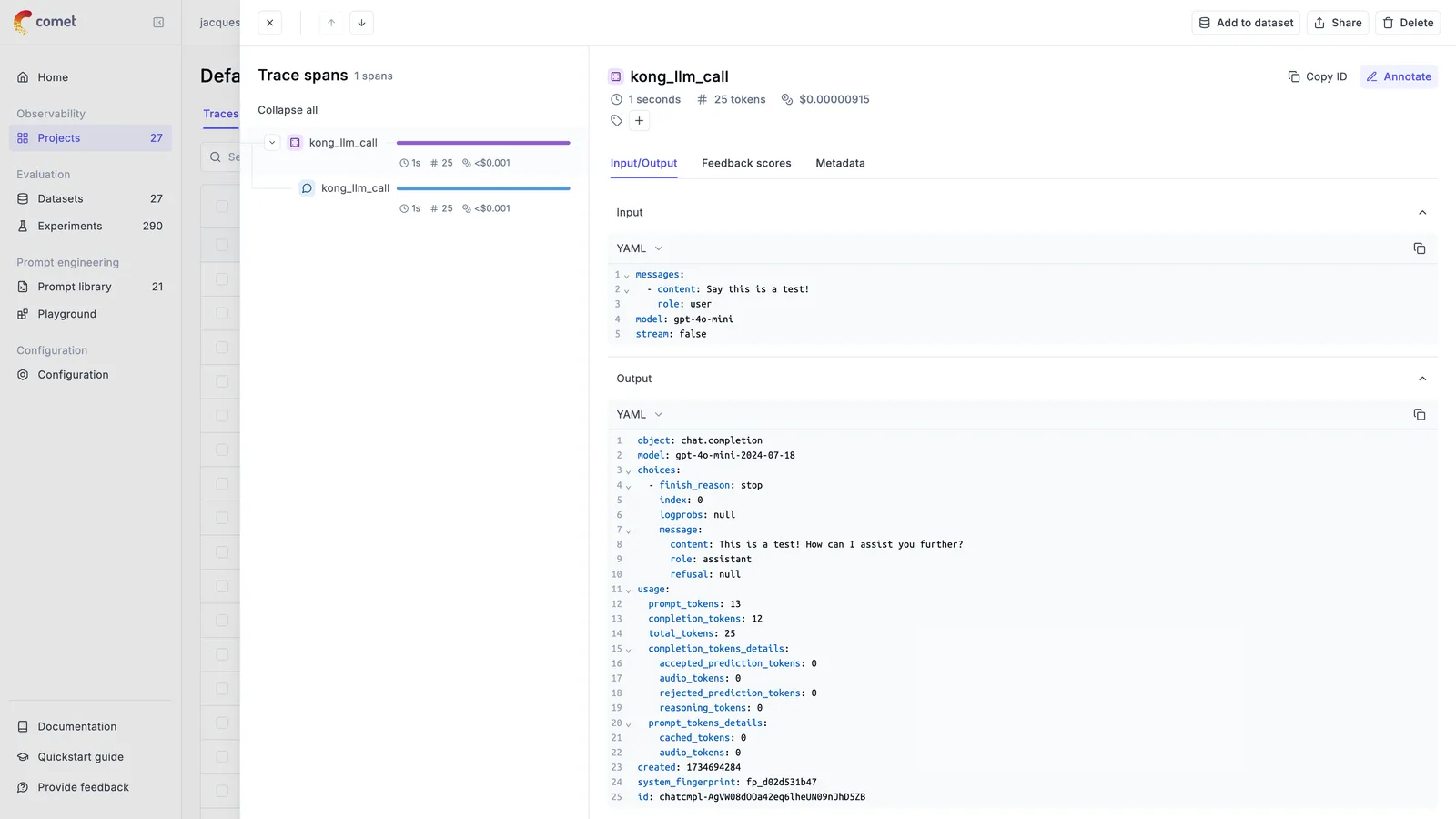
Viewing Traces in Opik
Once configured, you will be able to view all your LLM calls in the Opik dashboard:
Enterprise Support
For more information about the Opik Kong plugin, please contact our support team.
Further Improvements
If you have suggestions for improving the Kong AI Gateway integration, please let us know by opening an issue on GitHub.