Changelog
This document provides a comprehensive history of Comet releases, highlighting key features, major changes, and important deprecations. While not exhaustive, it covers the most significant updates in each version.
Latest updates
These features are currently available in the cloud version and will be released soon for self-hosted deployments.
Open or close annotations by layer
You can now open or close image annotations by layer, enabling easy switching between predictions and ground truth. 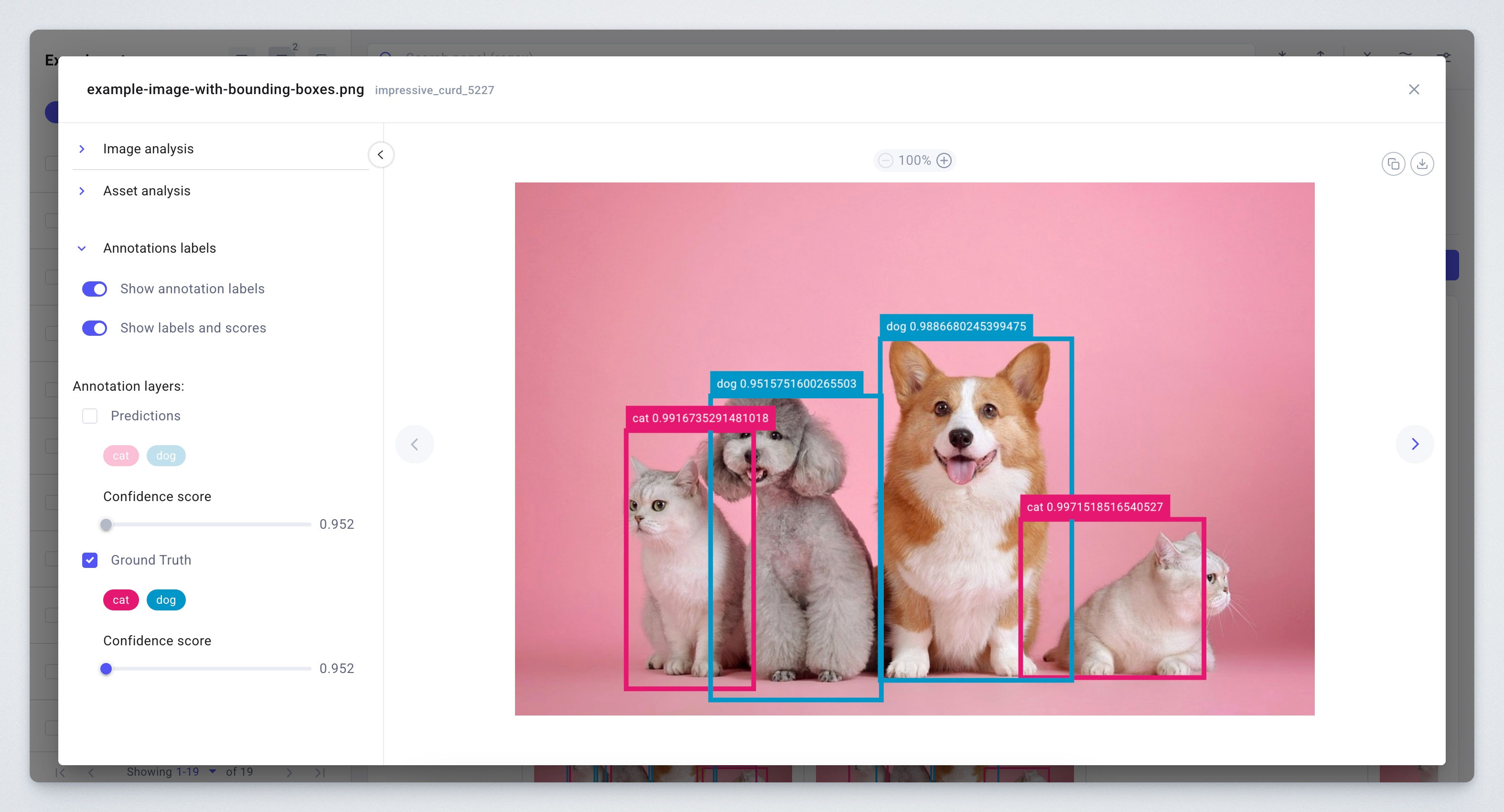
Compare up to 10 experiments
The compare view has been updated to support up to 10 experiments. You can still use the project view to examine charts or tables with metrics or parameters for up to 100 experiments. 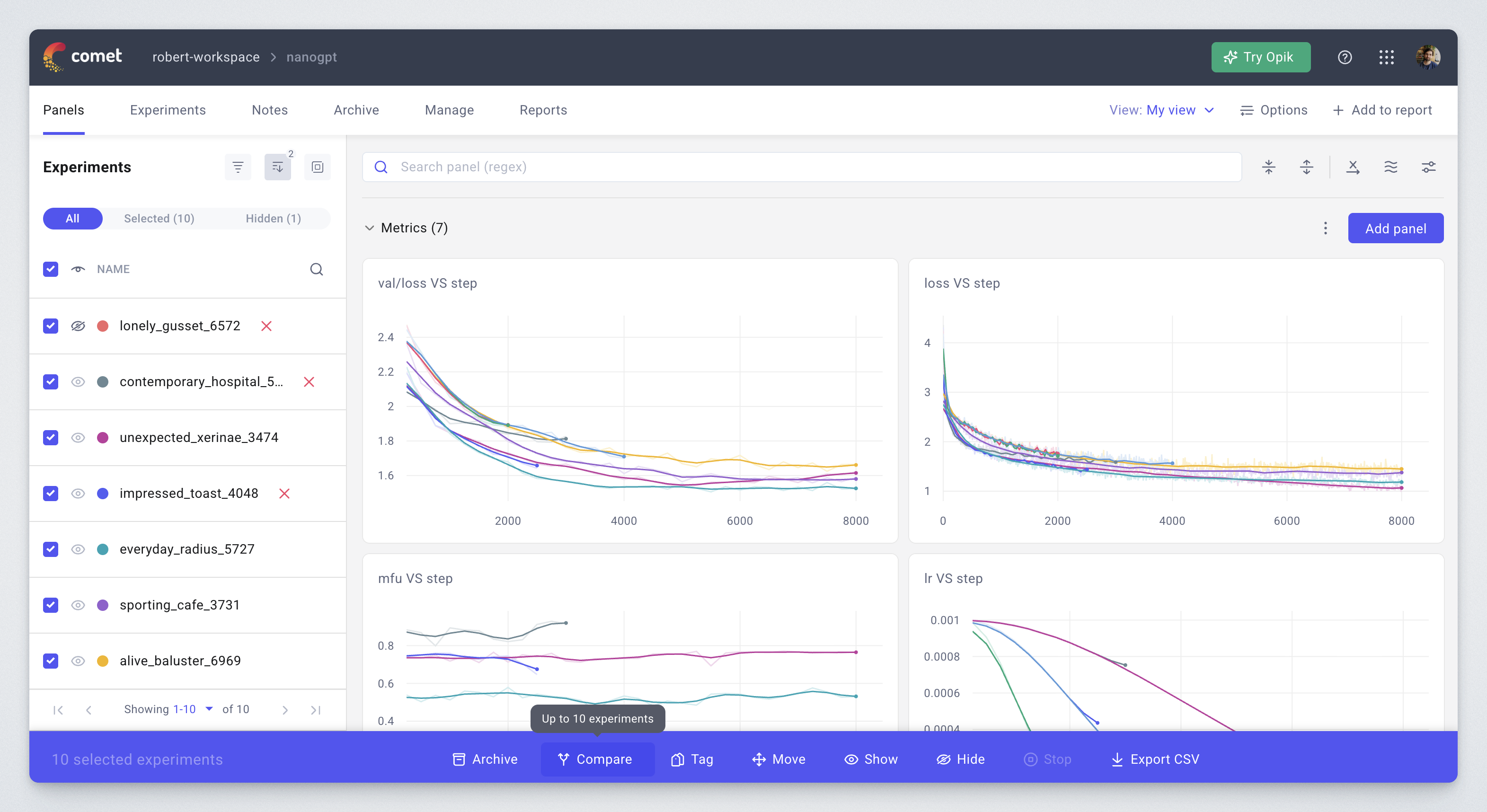
Lineage graphs
The lineage preview in Model Registry is now consistent with Artifacts – it traverses the graph to greater depth, has better filtering rules to avoid showing unrelated models, and the toggle to show or hide deleted versions now works more reliably.
Improved default step selection
The default step selection in Text and Audio tabs now mirrors the logic from Image and Video tabs: showing the latest step by default, but if any assets were logged without a specific step, defaulting to showing all.
October 2025
Versions: Backend: 4.7.420, Frontend: 5.109.14, Optimizer: 2.1.8, Python panels: 1.1.89
Performance improvements for dashboards with many charts
We have significantly enhanced the performance of dashboards containing multiple charts, resulting in faster loading times and smoother interactions.
Parallel coordinates chart
The parallel coordinates chart is now interactive – making it easier to identify experiments by hovering over the lines. The chart also has updated colors and a slider for making the lines curved. 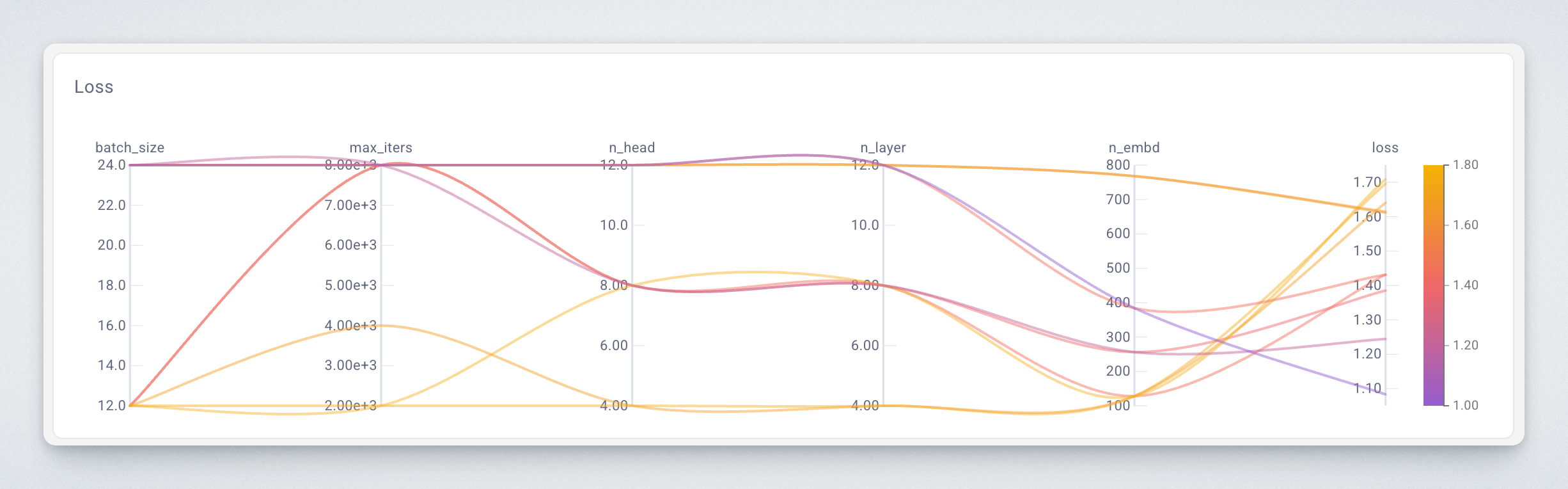
Reports UX
The reports now use a new block-based editor, making it much easier to create and edit reports. They also save automatically, so no work is ever lost. 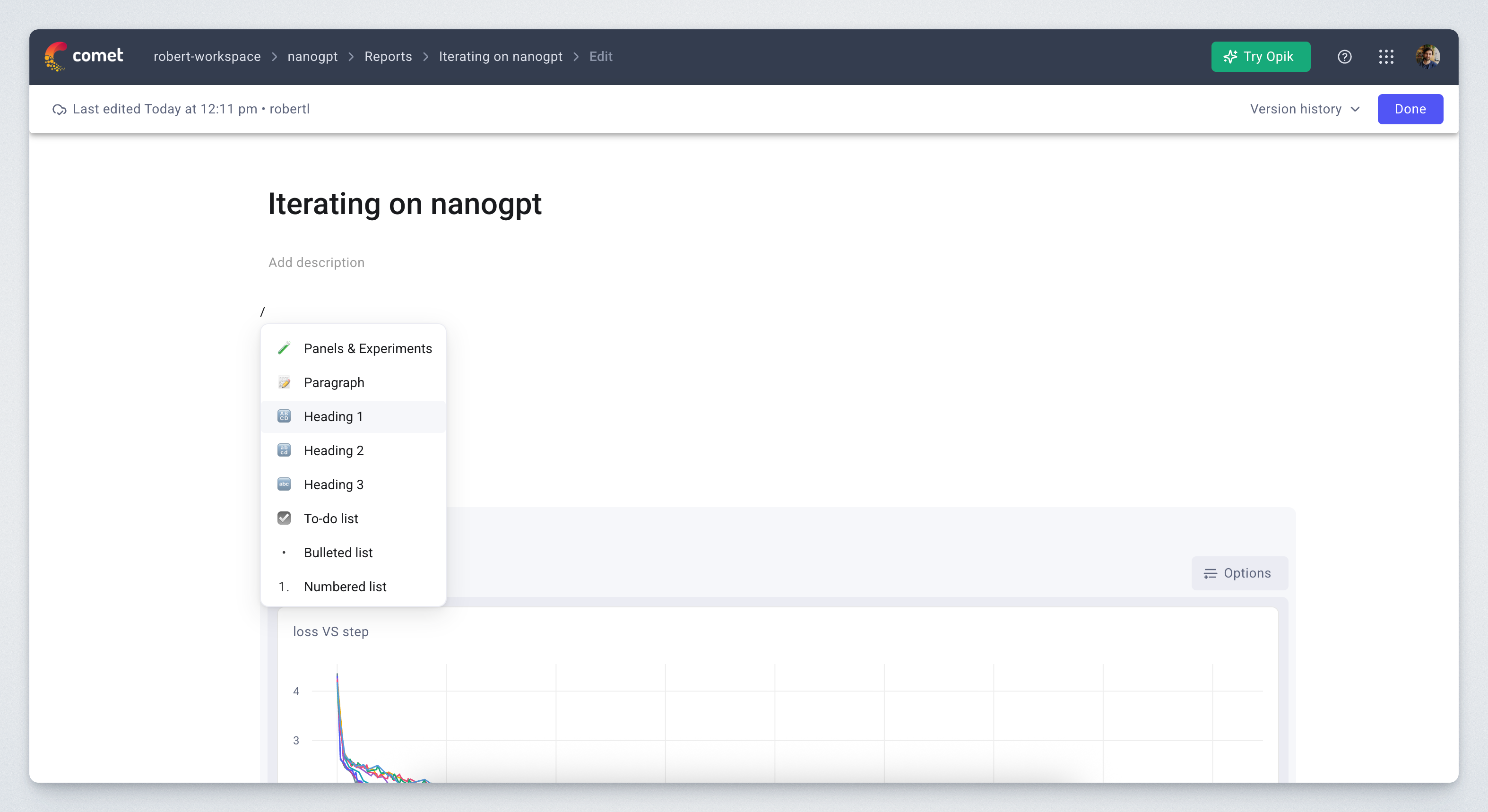
Improved color selection
Colors are now assigned to experiments in a round-robin fashion instead of randomly, avoiding color repetition.
September 2025
Versions: Backend: 4.5.414, Frontend: 5.108.8, Optimizer: 2.1.6, Python panels: 1.1.79
Search with metadata
Images, video, audio and 3D assets can now be searched using metadata, both in panels and in tabs. 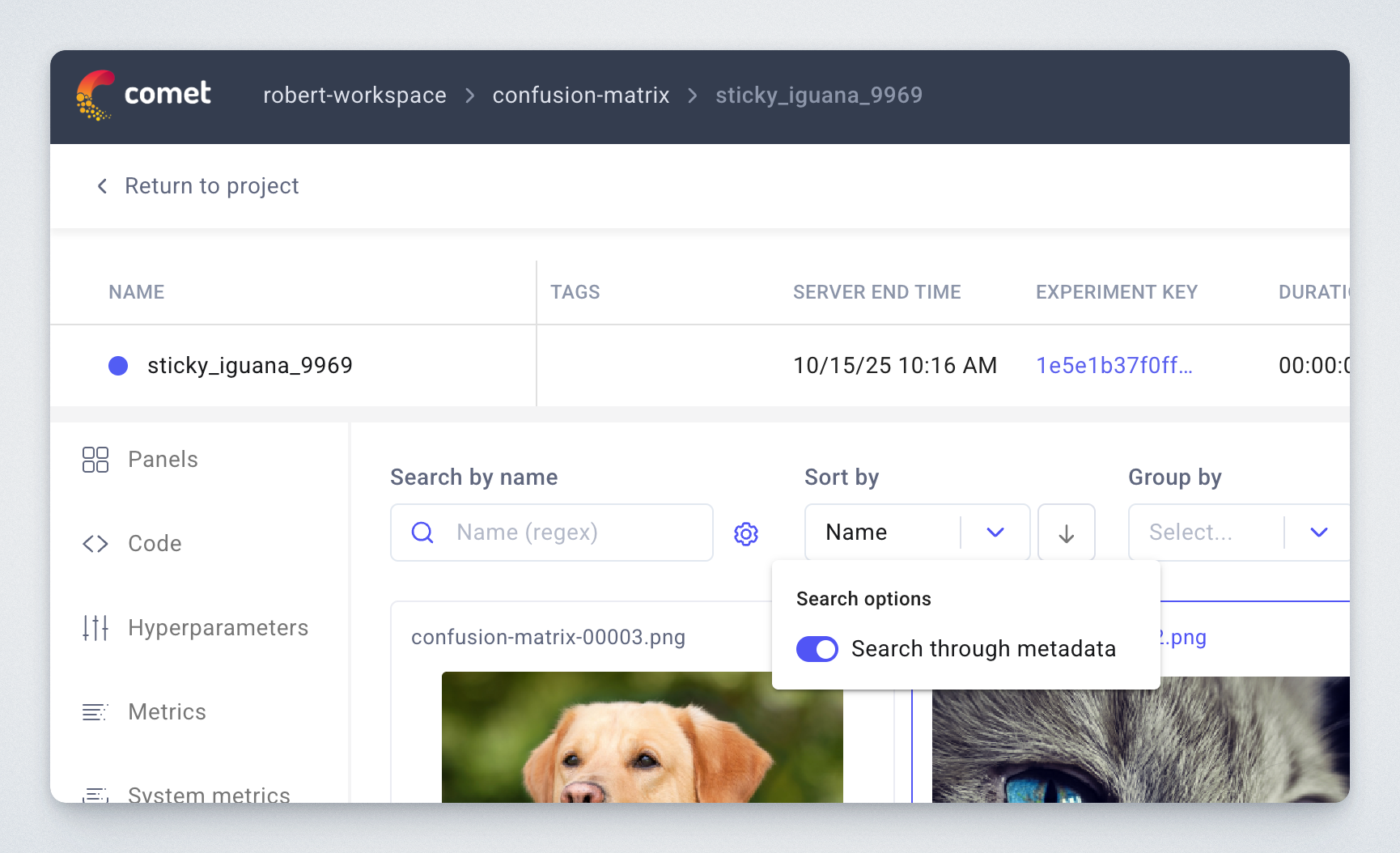
Tone mapping for HDR (TIFF) images
The image preview for TIFF images now supports tone mapping, enabling better previews. 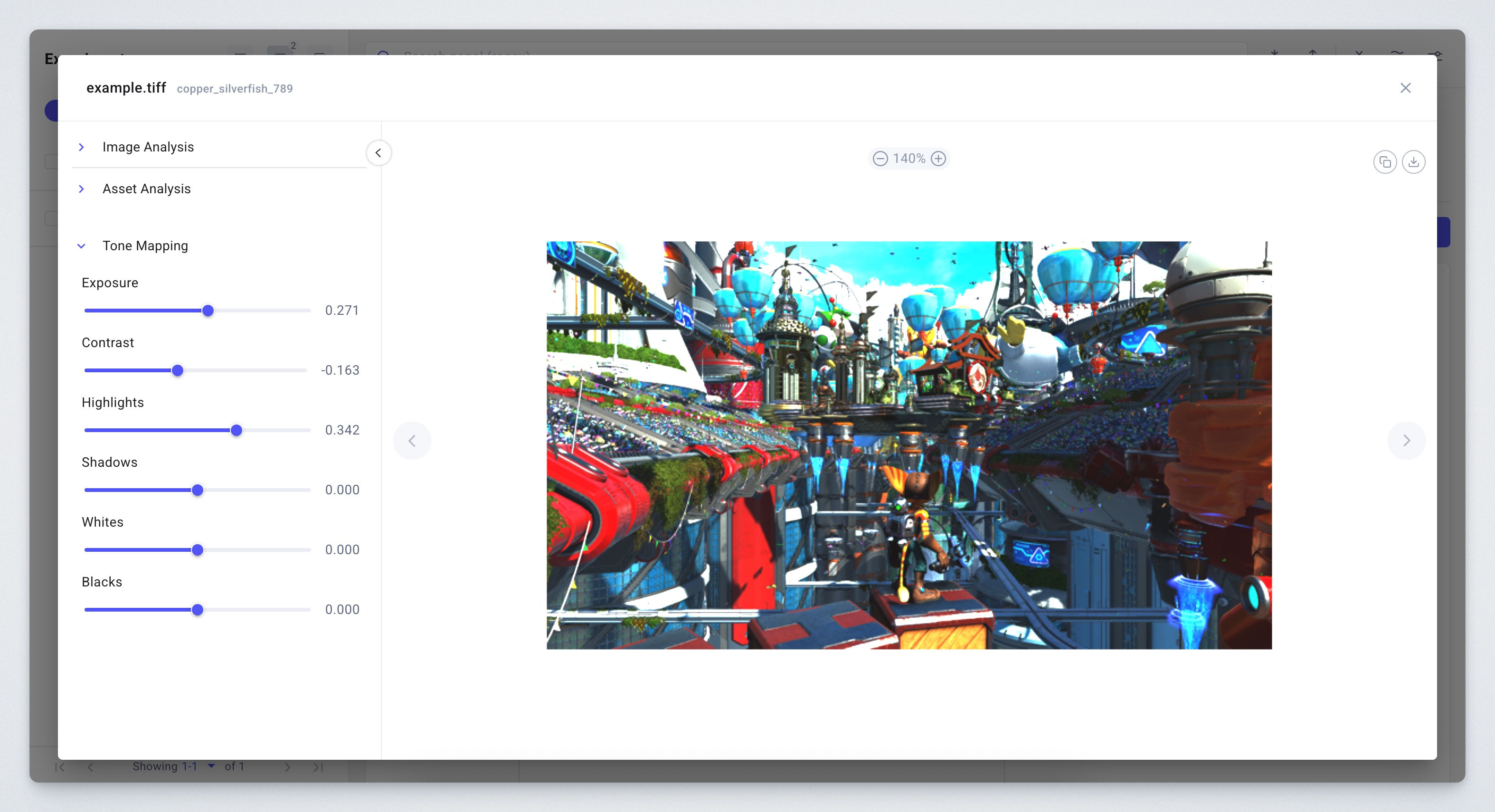
Images in confusion matrices now support annotations
You can now log annotations (such as bounding boxes) for sample images in confusion matrices. 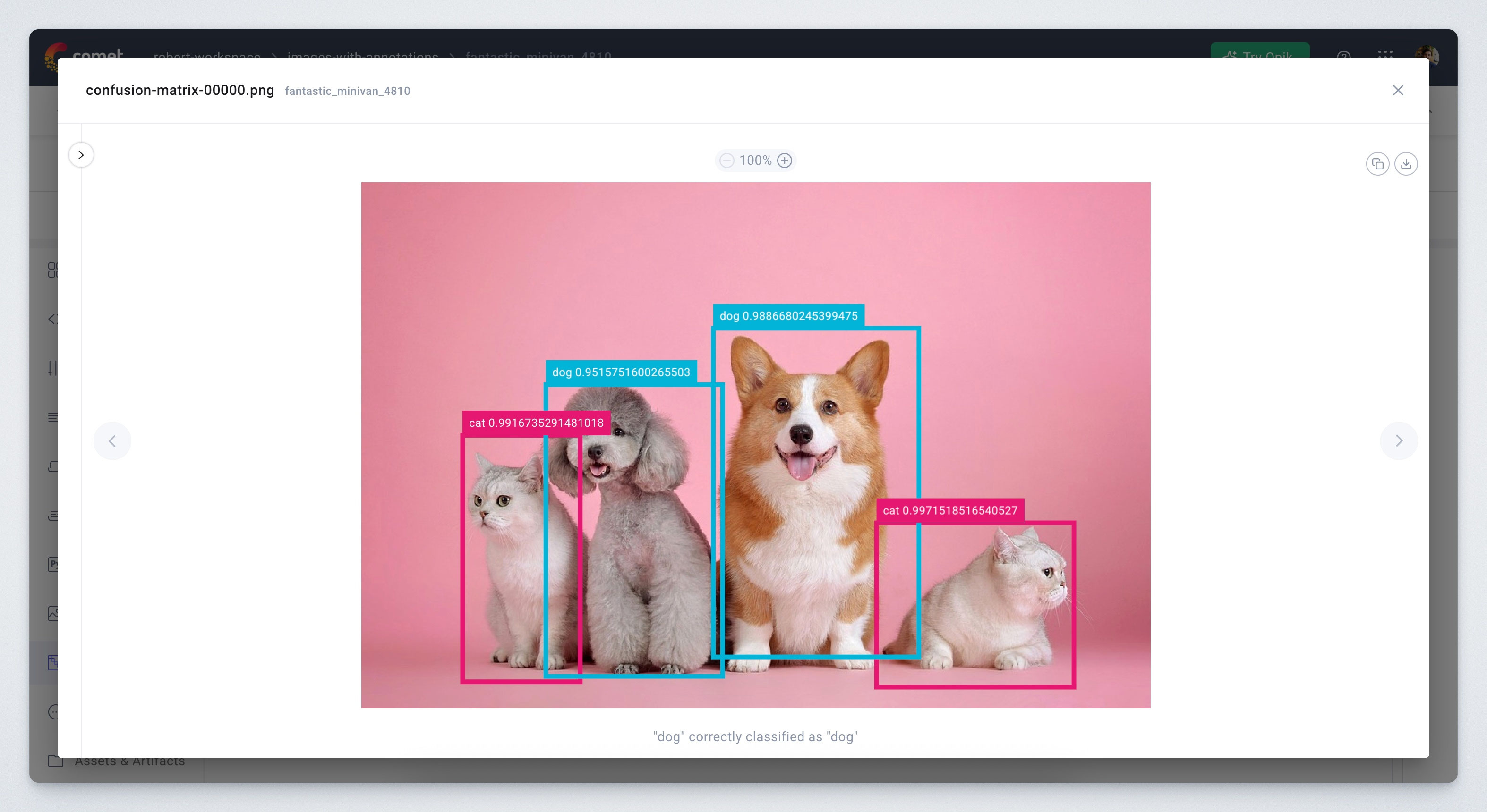
Improved smoothing algorithm
The smoothing algorithm for line charts has been updated to use a Gaussian kernel, resulting in lines that more closely follow the original curves. 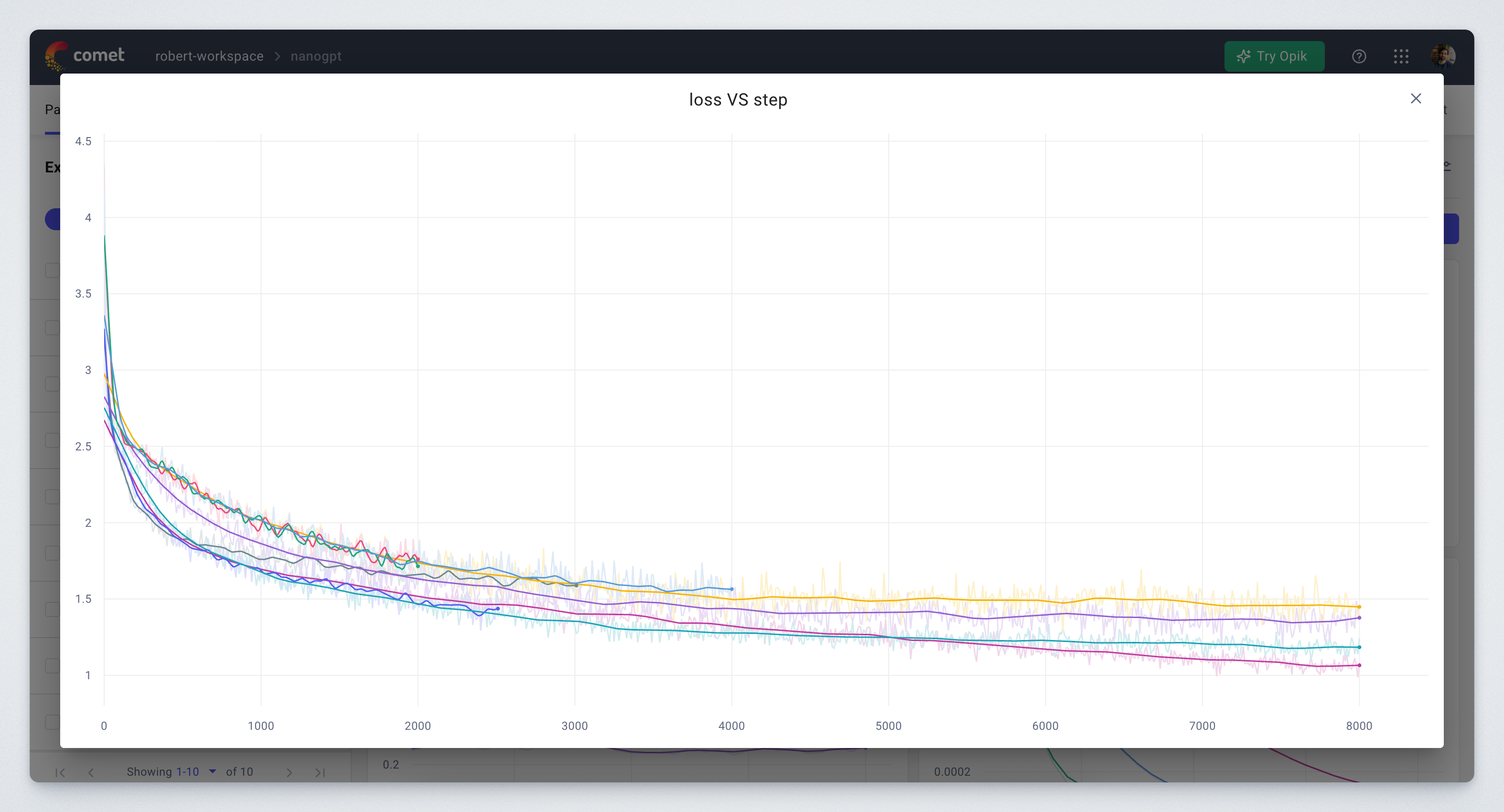
Step slider in image preview
The step slider in image preview is now an active control and can be used to iterate over the steps of an image.
Many UX improvements
We have also made many small improvements to the user experience, such as:
- Changes to views are saved faster, preventing loss of changes when leaving the page quickly
- Adding assets (such as images or videos) to panels is now easier, with no need to know the filenames
- Image tab and video performance is greatly improved for large quantities of images. As a consequence, grouping by metadata is no longer supported, but search by metadata is added instead
- Python panels can be saved with a keyboard shortcut
- Loading state of a chart includes its name, for faster identification
- Line charts no longer have x-axis smoothing
- Image thumbnails fall back to actual image when optimized thumbnail is not available
- Resizing Python panels is now smoother
- Selecting all results in dropdown now works when searching with regex
- Fixed an issue of histograms not updating while the experiment is running
- Fixed rendering histograms with step=0
July 2025
Versions: Backend: 4.2.381, Frontend: 5.104.16, Optimizer: 2.1.6, Python panels: 1.1.71
Metrics & parameter dropdowns organized in categories
Metrics and parameters dropdowns are now organized in categories, making it easier to find the right column. 
Model Registry permissions on workspace level
Workspace members can now receive additional permissions to manage and approve changes to models in Model Registry, no longer requiring them to be Workspace Owners.
June 2025
Versions: Backend: 4.0.380, Frontend: 5.103.2, Optimizer: 2.1.6, Python panels: 1.1.71
Grouping experiments by used artifact
Experiments can be filtered and grouped by their used artifacts, enabling use cases such as finding all experiments using a specific dataset.
Status configuration in Model Registry
Model versions now have Status Configuration, enabling key-value definition of target environment. Note that this changes the structure of the webhook payload.
Symlinking experiments from private projects
Experiments from private projects can be symlinked to public projects. This enables teams to work in private projects while sharing significant results with the rest of the organization through public projects.
Metrics on x-axis
Using a metric on x-axis in line charts now joins with y-axis metric on steps, not on array index, leading to more accurate visualization.
Graphics tab has better secondary sort
When sorting images by name, they are now secondary sorted by step and log time, making them easier to use. This applies to other sorting options as well.
Many UX improvements
We have also made many small improvements to the user experience, such as:
- The Metrics tab in Experiment view now allows exporting the table as CSV
- Listing workspaces for admin service accounts now shows all organization workspaces
- Metric and parameter dropdowns now support selecting all options
- Authorized workspaces for service accounts can be configured in Admin dashboard
- Auto-generated curve panels now include curve name in the title
- Compare button allows opening in a new tab
- URLs in log_html and log_html_url can now open in a new tab
- Reproduce URL has better support for GitLab
- Increased character limits on tags for model versions in Model Registry
- Saved Experiment filters are sorted alphabetically