
Rules
A rule is one check, configured. This page covers the five rule types Opik offers: what each one detects, what you configure on it, and what it needs in order to run.
You put PII, Topic, and prompt injection rules into a policy in the Opik UI, and your application runs that policy by name. Configuration lives in Opik; your code only calls validate.
Quickstart
Create a policy in the UI with the rules you want, then build a guardrail from it and validate your text. A failing check raises, so the protected path only continues when validate returns.
The call is blocking, since the whole point is to stop your application before it returns a response you would not want a user to see.
See Policies for creating a policy, combining several of them, and enforcing one across every application in the workspace.
PII, Topic, and prompt injection rules, and the policies that hold them, are checked by Opik itself and are available on the Enterprise plan of Opik Cloud. The LLM judge rule runs in the SDK, and the custom classifier rule runs on a self-hosted guardrails server.
The five rule types
Providers like OpenAI or Anthropic already block the most universal risks, such as harmful or malicious content. Opik’s rules cover the residual risks, which tend to be specific to your product and need configuring in more detail.
Each rule picks the method that gives the best balance of accuracy, latency, and cost for its problem — a small language model answering focused questions for personal data, topics, and injection detection, a full LLM for nuanced judgement.
PII, Topic, and prompt injection rules are configured in a policy: switch the rule on and fill in its fields. The LLM judge and custom classifier rules are defined in code.
PII
Detects sensitive personal information such as names, addresses, email addresses, phone numbers, and credit card details.
What you configure
- Personal data to block — which categories to look for: credit card numbers, phone numbers, email addresses, bank account numbers (IBAN), IP addresses, vehicle registration plates, postal addresses, person names, cryptocurrency wallet addresses, medical license numbers, and URLs.
Each category is one yes-or-no question to a small language model.
Topic
Keeps inputs and outputs on topic.
What you configure
- Restricted topics — text must not be about any of these.
- Allowed topics — text must be about at least one of these.
You can set either list or both, but a topic cannot be in both. Restricted topics are the common case: name what your application must stay away from.
A small language model picks the topic the text is about from each list.
Prompt injection
Detects attempts to make your LLM ignore, override, or reveal its instructions, along with other malicious queries. Use it on user inputs to block jailbreaks and injection attacks before they reach your model.
There is nothing to configure: switch the rule on.
This guardrail relies on a small language model.
LLM judge
Checks text against a rule you describe in plain language. Because a full LLM does the judging, it catches nuanced issues that heuristics and classifiers miss — giving regulated advice, drifting from your brand voice.
What you configure
- Instructions — the rule, in your own words. For example: “The text must not provide medical advice, diagnoses, or dosage recommendations.”
- Model — which model judges. It must be available through an LLM provider configured under AI Providers.
The judge runs inline and adds latency to every call it guards, so prefer a fast, small model from your provider’s
latest generation rather than a large reasoning model. Good choices are the low-latency tiers such as OpenAI
gpt-4o-mini, a Google Gemini Flash model, or an Anthropic Claude Haiku model.
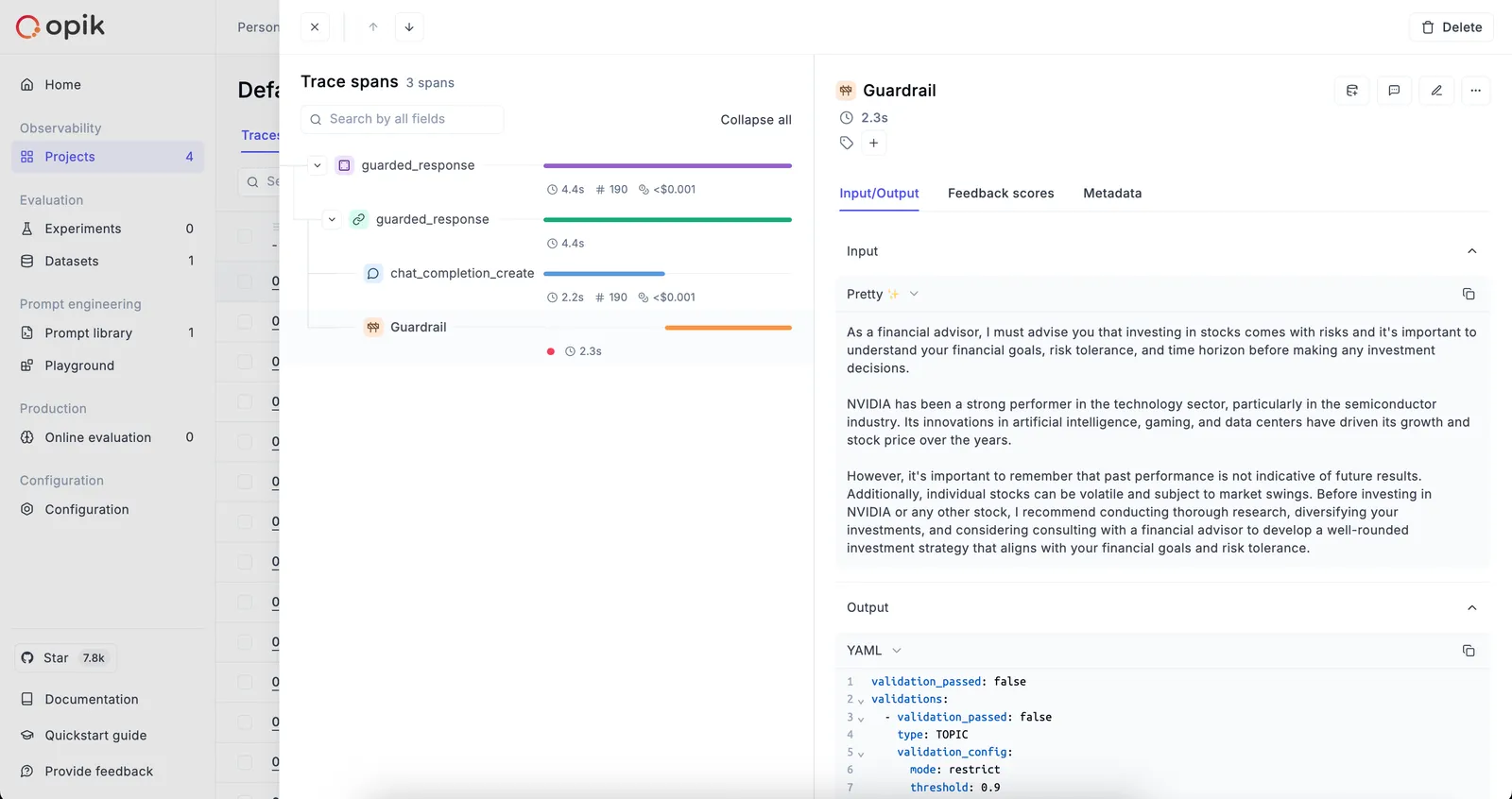
The SDK runs this rule itself. Its model call is recorded as a nested LLM span under the guardrail span, so you can inspect the exact prompt, response, and token usage in the trace.
This guardrail relies on a large language model, and is best suited to complex checks where accuracy matters more than latency.
Custom classifier
Runs a model you fine-tuned yourself — a check that answers one yes-or-no question specific to your product, such as whether a reply is off-brand. The guardrails server trains it on your labeled examples and serves it.
What you configure
- Model — which of your models to run.
- Threshold — the score at or above which the rule fails.
See Custom models for how to fine-tune one.
This guardrail relies on a small language model fine-tuned on your own labeled examples.
Handling a failure
A failing guardrail raises an exception, and your application code needs to handle it — retry, fall back to a safe default, or return an error, whichever suits the situation.
Guardrails fail closed. If a check cannot be evaluated (for example Opik is unreachable, the request times out,
guardrails are not available in the workspace, or an LLM judge provider call fails),
validate raises opik.exceptions.GuardrailValidationError rather than letting the text through. This exception subclasses GuardrailValidationFailed, so an existing
except GuardrailValidationFailed block also stops the request. Structure your code so the protected path only
proceeds when validate returns successfully.
Streaming responses and long inputs
Call guardrail.validate repeatedly to check a response chunk by chunk, or to check parts of a long input separately. The results are added as additional spans on the same trace.
Working with the results
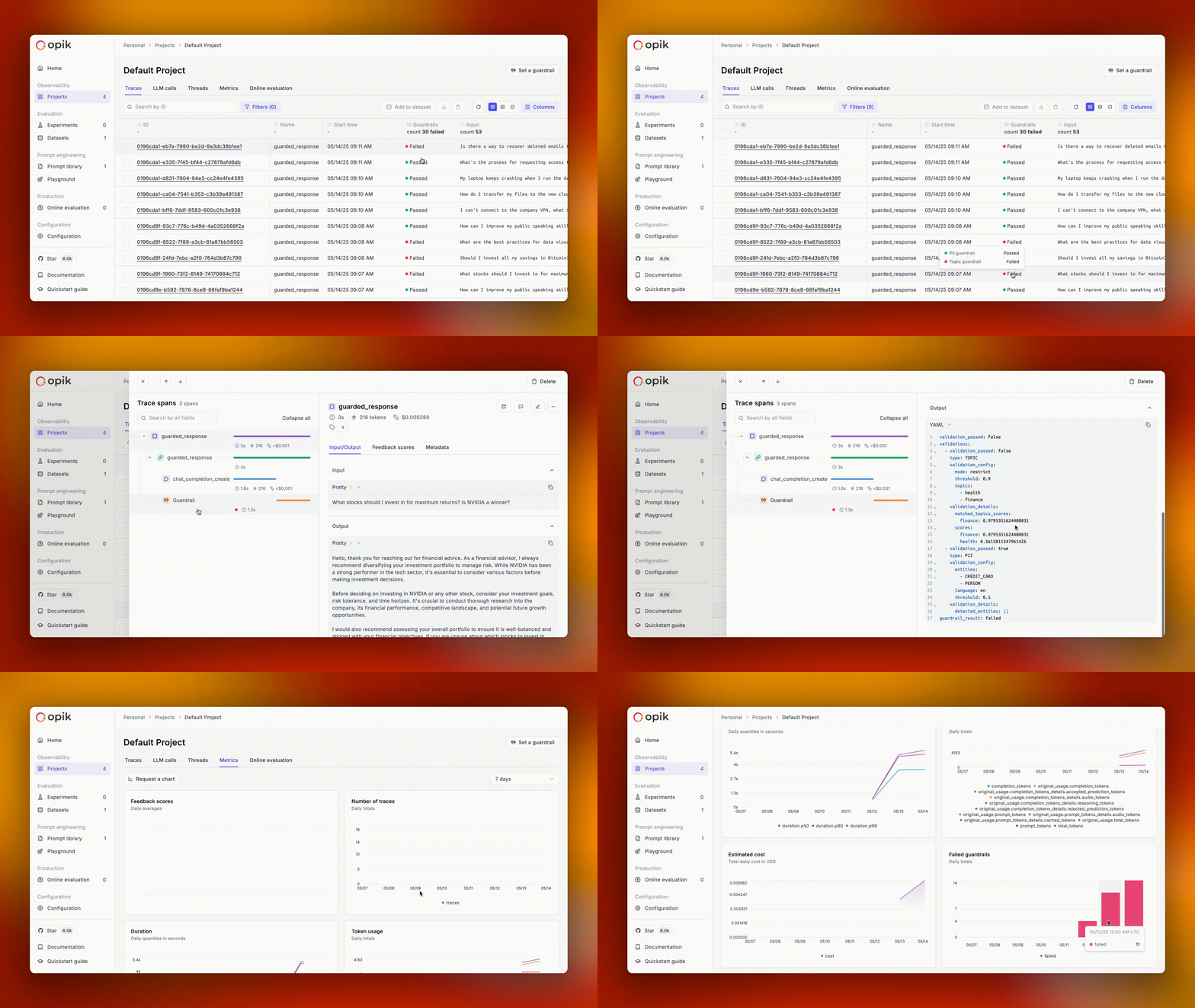
When a guardrail fails on an LLM call, Opik adds the information to the trace automatically. You can filter the traces in your project down to those that failed a guardrail.
To see how often each guardrail is failing over time, open the Metrics section of the project.
Limits
- A Topic rule takes up to 254 topics in each list, each up to 256 characters.
- A guardrail checks at most 32 PII, Topic, and prompt injection rules, counting those it takes from policies.
- Together those rules can ask the model at most 64 questions: one for each PII class, one for each topic list, and one for prompt injection. A guardrail that needs more is rejected before any check runs.
Defining rules in code
Rules can also be listed inline instead of stored in a policy. This is handy for a quick experiment or a check that only one script cares about, and it is how the LLM judge and custom classifier rules are used.
Rules defined this way are invisible to everyone else and can only be changed by editing and redeploying your application. Prefer a policy for anything that runs in production.
Each rule type has a matching class, taking the same settings the UI exposes:
Upgrading from guards
Earlier SDK versions called rules guards and ran PII, Topic, and prompt injection on the guardrails server with a threshold you set. Opik now checks them itself and sets the thresholds, so code written for the older API needs these changes:
LLMJudge and CustomGuardrail take the same arguments as before. Guardrail.from_stored_policies(names=[...]) is unchanged.
Manual guardrails
For a check that fits none of the five rule types — a one-off heuristic, or a business rule that is genuinely just code — you can run it yourself and log the result to Opik directly. No rule class and no guardrails server are involved.
This is different from a custom model, which Opik fine-tunes and serves for you. Reach for a manual guardrail for a one-off heuristic; fine-tune a model once that same check needs to run fast and consistently at high volume.
Example: blocking competitor mentions
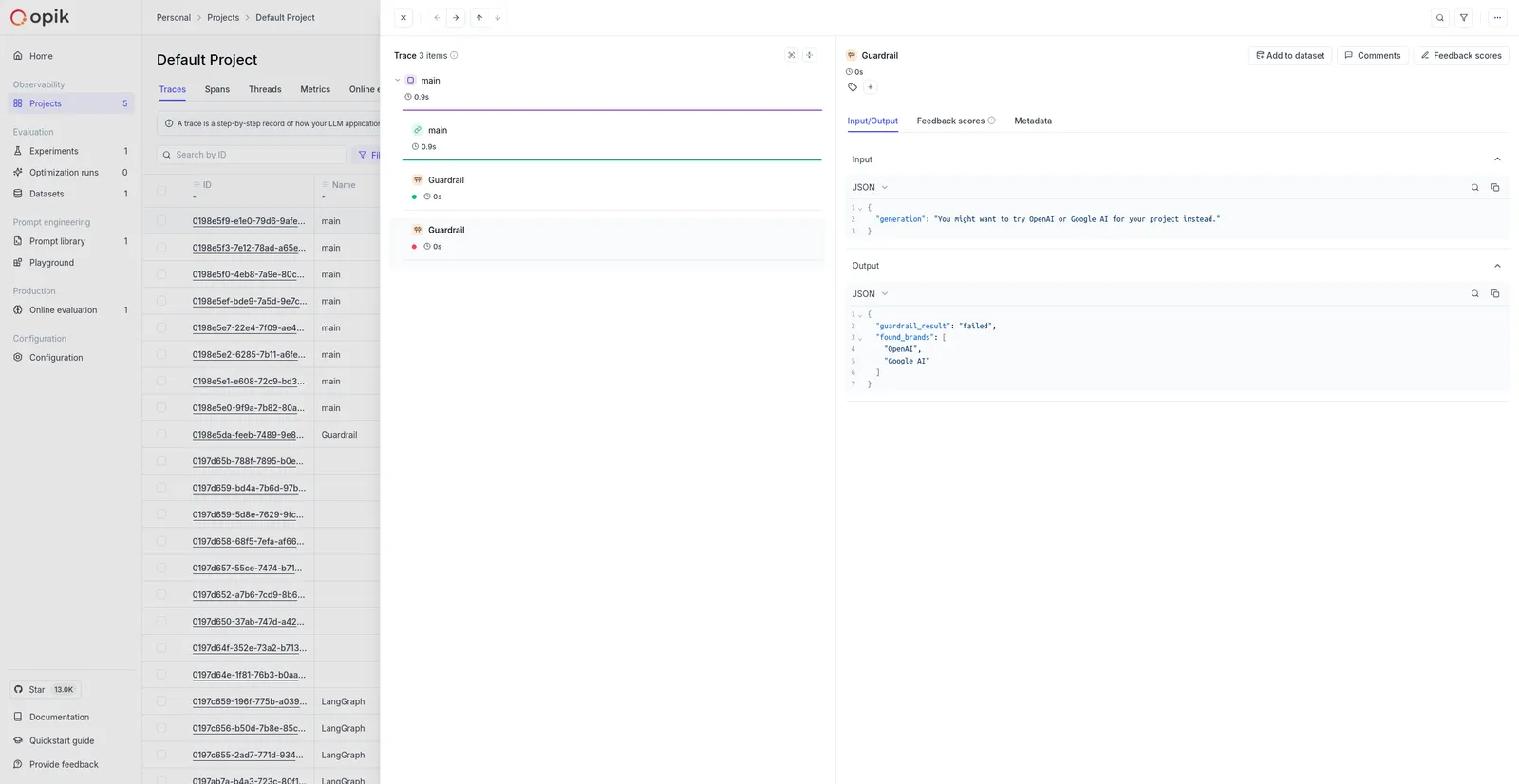
The guardrail spans appear alongside your traces just like the built-in rules, showing what was detected and whether the check passed or failed.